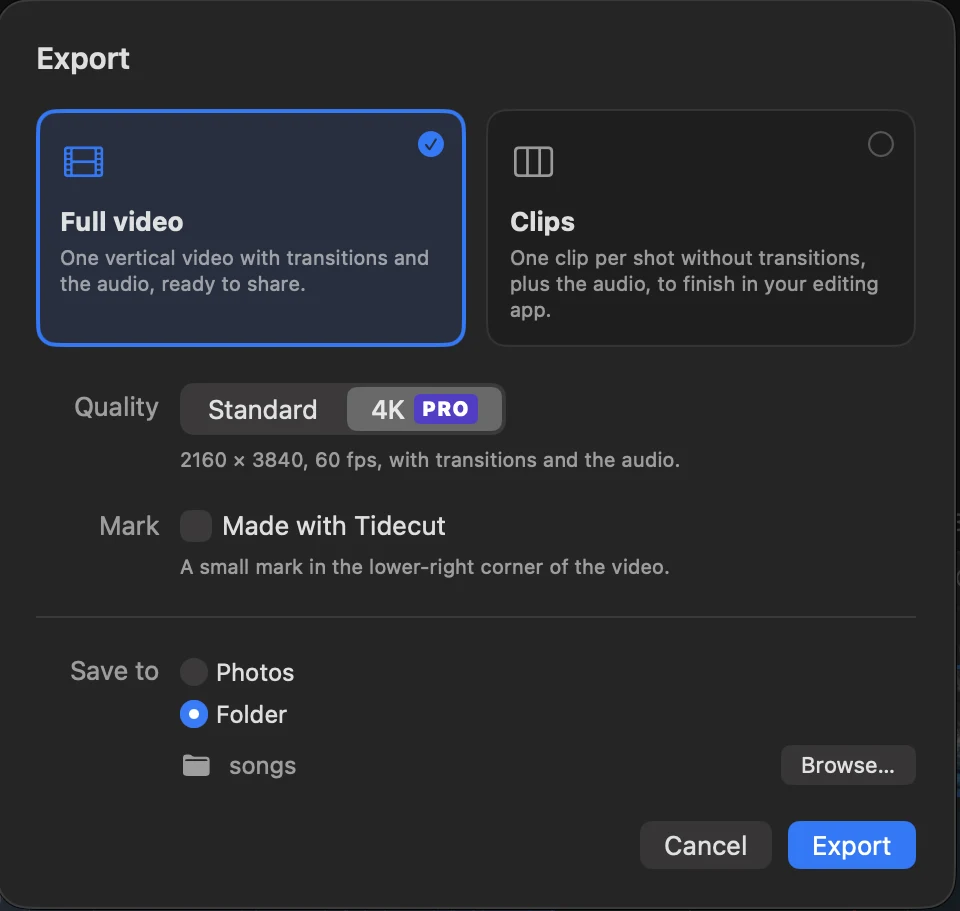
Export in 4K
Save the full video at 2160 × 3840 with four times the detail. It's sharper on big screens and leaves room to zoom in on the phone. Still 60 frames a second.
 Tidecut
Give Tidecut your dive videos and a song. It finds the best moments and cuts them to the music, in the order of your story.
Email us for TestFlight accessFor Macs with Apple silicon, on macOS 27. Coming to the App Store.
This cut came straight out of Tidecut: five shots, 25 seconds, and every change lands on a beat. The music is removed for the web.
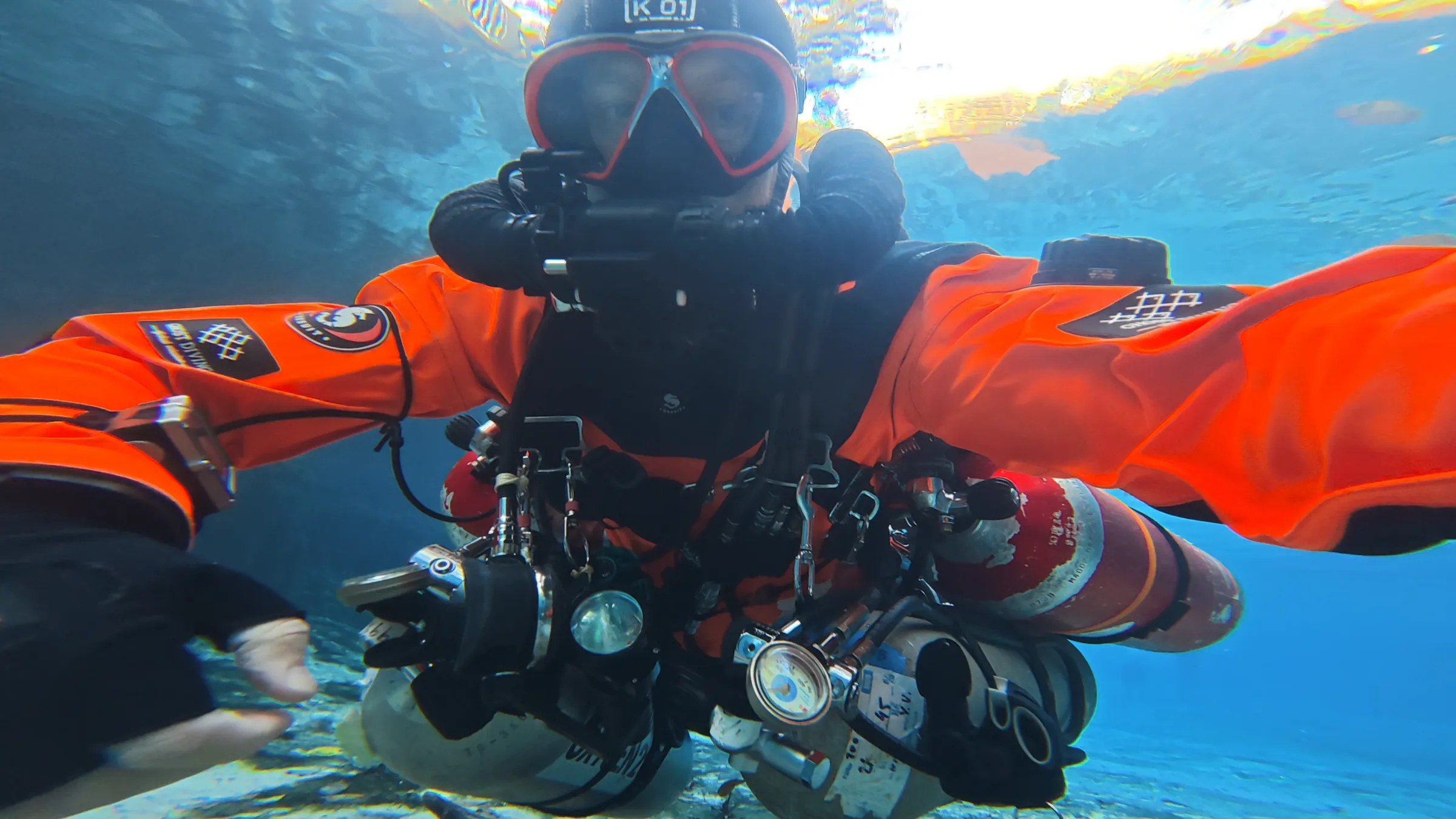
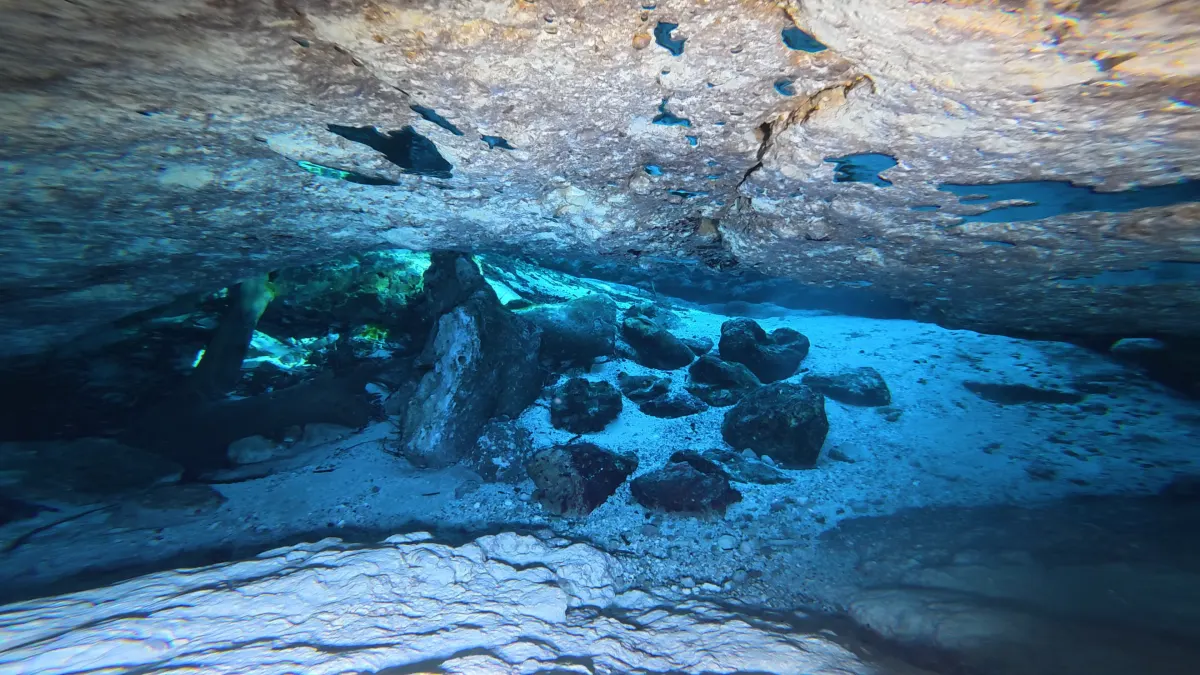
Finding that minute used to take an evening. Tidecut watches every video for you, four times a second, and looks for what makes a shot good: sharpness, motion, color, divers, rock formations and light rays.
Tidecut makes the first cut. Then you direct it: change anything and it cuts again.
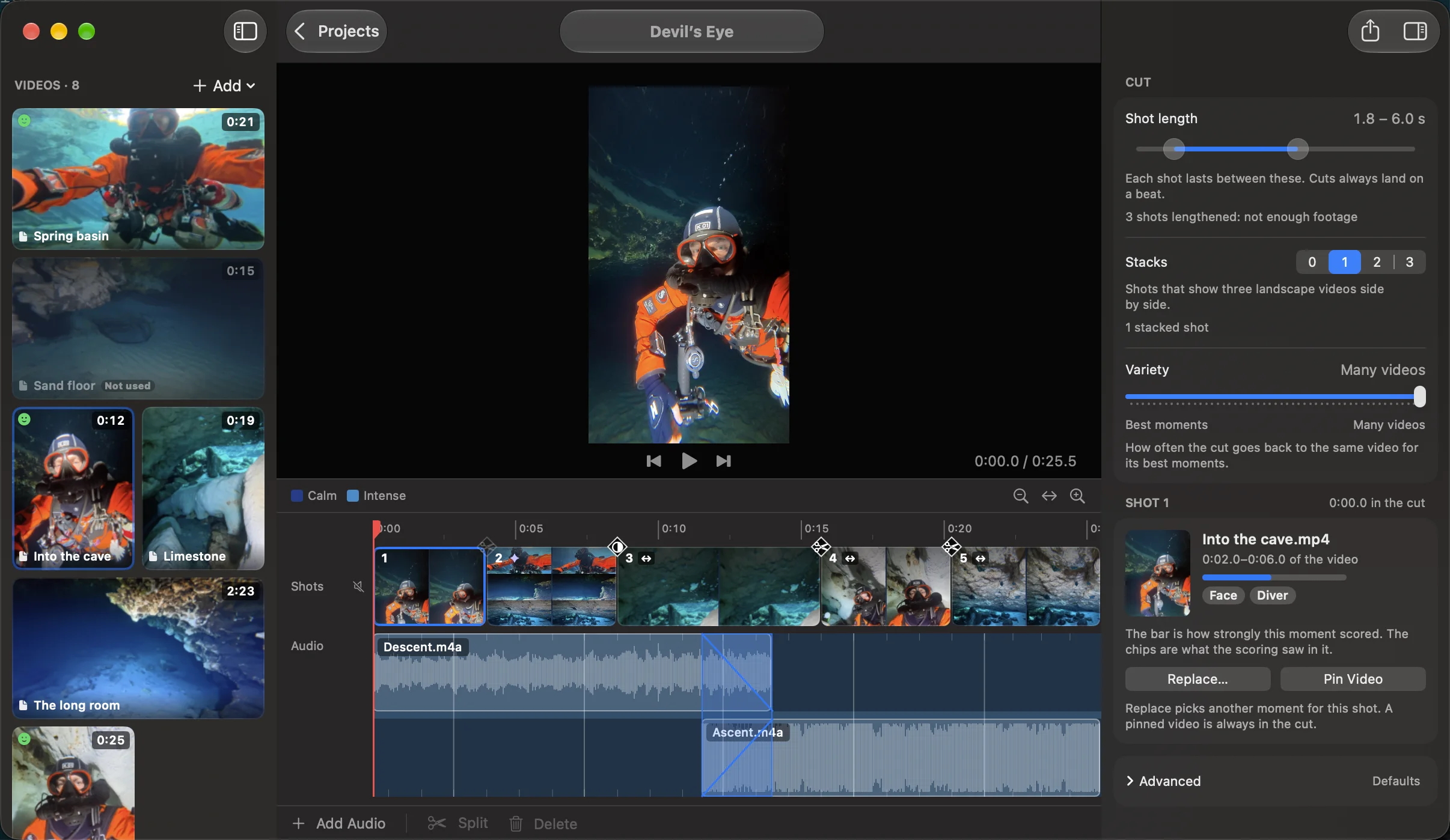
From Apple Photos or movie files. Drag them into the order of your story.
Drop it on the timeline. Tidecut finds its beats.
It picks a moment for every stretch between beats, then shows you why it chose each one.
Save one vertical video that's ready to share, or frame-exact clips to finish in your editing app.
Everything runs on your Mac. Tidecut has no account and no cloud, and it doesn't use the network at all. Read the privacy policy.
Tidecut is free. Pro adds four things for your best dives. One purchase of $24.99, with no subscription.
Save the full video at 2160 × 3840 with four times the detail. It's sharper on big screens and leaves room to zoom in on the phone. Still 60 frames a second.
A little movement where the music changes: stacks that slide in, slow push-ins, punch-ins on the beat. Tidecut adds a few, and you choose the rest.
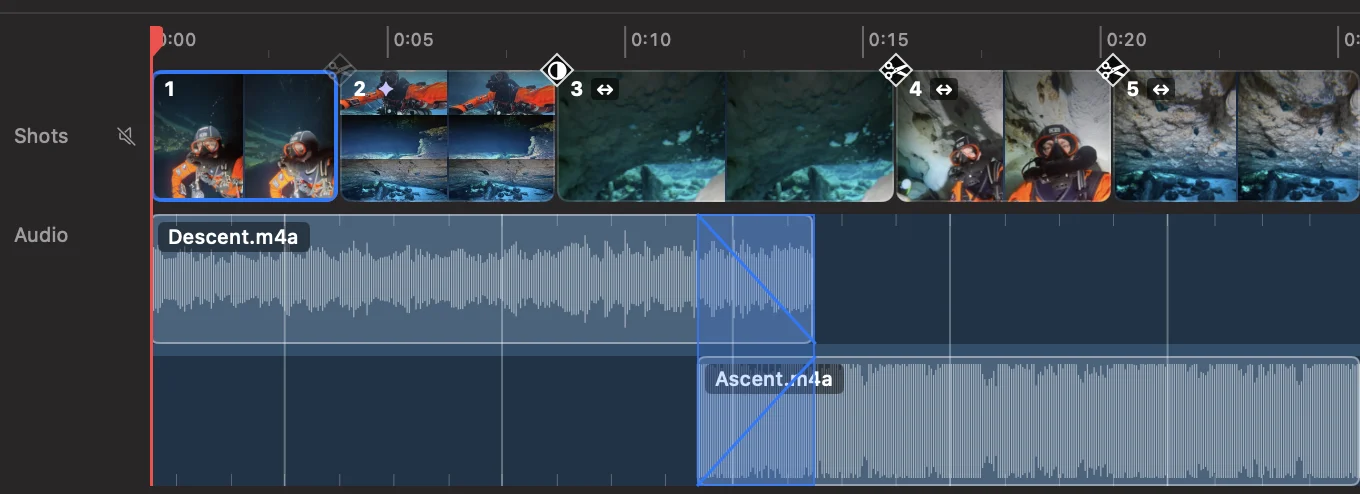
Add several songs or sounds, each on its own lane. Drag to change their order, and overlap them to crossfade from one to the next.
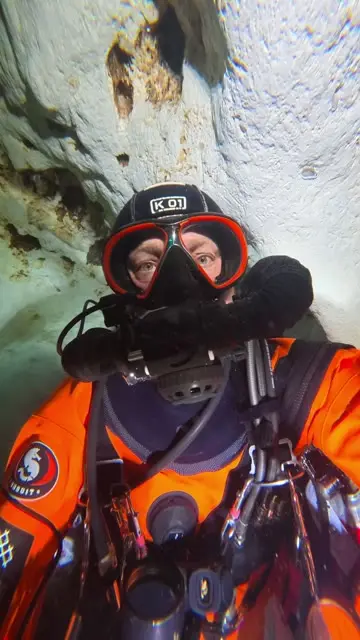 Made with Tidecut
Turn off the small “Made with Tidecut” mark in the corner of the full video.
| Free | Pro | |
|---|---|---|
| Automatic cut to the beat | Yes | Yes |
| Replace shots, stacks and transitions | Yes | Yes |
| Songs in one project | One | Several, with crossfades |
| Full video | 1080 × 1920 | Up to 2160 × 3840 |
| Animations | No | Yes |
| “Made with Tidecut” mark | Always on | Your choice |
Tidecut is in beta on TestFlight. Email us and we'll send you an invite.
Email us for TestFlight access